
Member of the Union of Chambers and Commodity Exchanges of Türkiye

Bartın Chamber of Commerce and Industry home page

Election of the Bartın TSO Assembly Presidency and Presiding Board Members Has Been Held
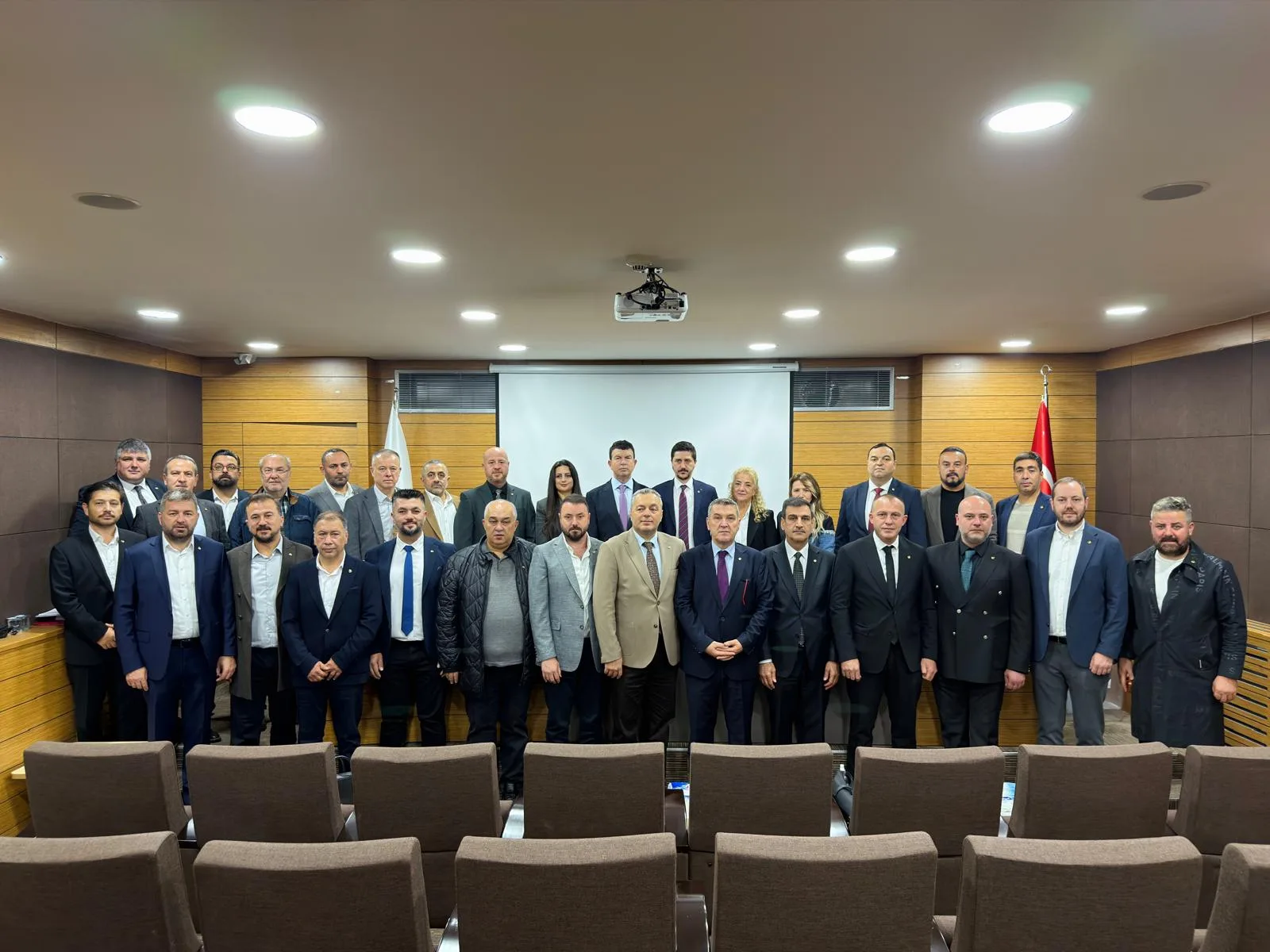
Election of the Bartın TSO Assembly Presidency and Presiding Board Members Has Been Held

The election of the Assembly Presidency and Presiding Board Members of the Bartın Chamber of Commerce and Industry has been held.

All 30 Assembly members attended the election, which was held in the Chamber's Assembly Meeting Hall under the chairmanship of the Assembly's oldest member, Güzay Gülin Aldatmaz.

In the vote held with a single list, Erkan Eroğlu was elected Assembly President, Erman Somaklı and Tuğçe Gök were elected Deputy Assembly Presidents, and Barış Özden was elected Assembly Secretary Member.

As the Bartın Chamber of Commerce and Industry, we congratulate the elected Assembly President and Presiding Board Members and wish them success in their new duties.

Book an appointment

For transactions to be carried out in person at the Chamber, select the day and time that suit you. After receiving your request, we will call you to confirm the time.

Day
Time
Morning Afternoon

Please do not enter sensitive information such as health information or your Turkish Republic identity number.

Your selection Select a day and time Capacity report application, Bartın Chamber of Commerce and Industry service building

Onur Aldatmaz

Chairman of the Board of Bartın Chamber of Commerce and Industry

Biography

  1. 24 October 2026

    Elected Chairman of the Board of Directors of the Bartın Chamber of Commerce and Industry.

Accessibility

Adjust the site to your needs. Your choices are remembered on this device.

Reading

Text sizeEnlarges or reduces all text on the page.
%100
Readable fontSwitches to the Atkinson Hyperlegible font, designed for people with low vision.
Line and letter spacingSpaces out the text for people with dyslexia or reading difficulties.
Read aloudReads aloud in Turkish the text you click or focus on with the keyboard.
Reading maskDarkens the area outside the line where the cursor is located.
Align text to the leftAligns centered or justified text to the left, making it easier to follow the lines.

Appearance

Light / dark appearanceWhen "Device default" is selected, the site follows the setting of your phone or computer.
Color saturationFades the colors, converts them to black and white, or makes them more vivid.
High contrastBrings colors closer to black and white for maximum legibility.
Highlight linksShows everything clickable with a yellow background and underline.
Large cursorEnlarges the mouse cursor.
Hide imagesHides the photos and videos on the page; makes it easier to focus on the text.

Motion

Stop animationsTurns off the automatic rotation of the headline slider and all transition effects.

With the keyboard: navigate with Tab, select with Enter, close windows with Esc. You can open this panel on any page with Alt + A.
Did you find an accessibility problem on the site? Let us know.